Click. Pad. Play.
Build a setlist in seconds, route every track to its own output, and run it all from MIDI. No wifi at the venue? It keeps working, and syncs to the rest of the band once you're back online.
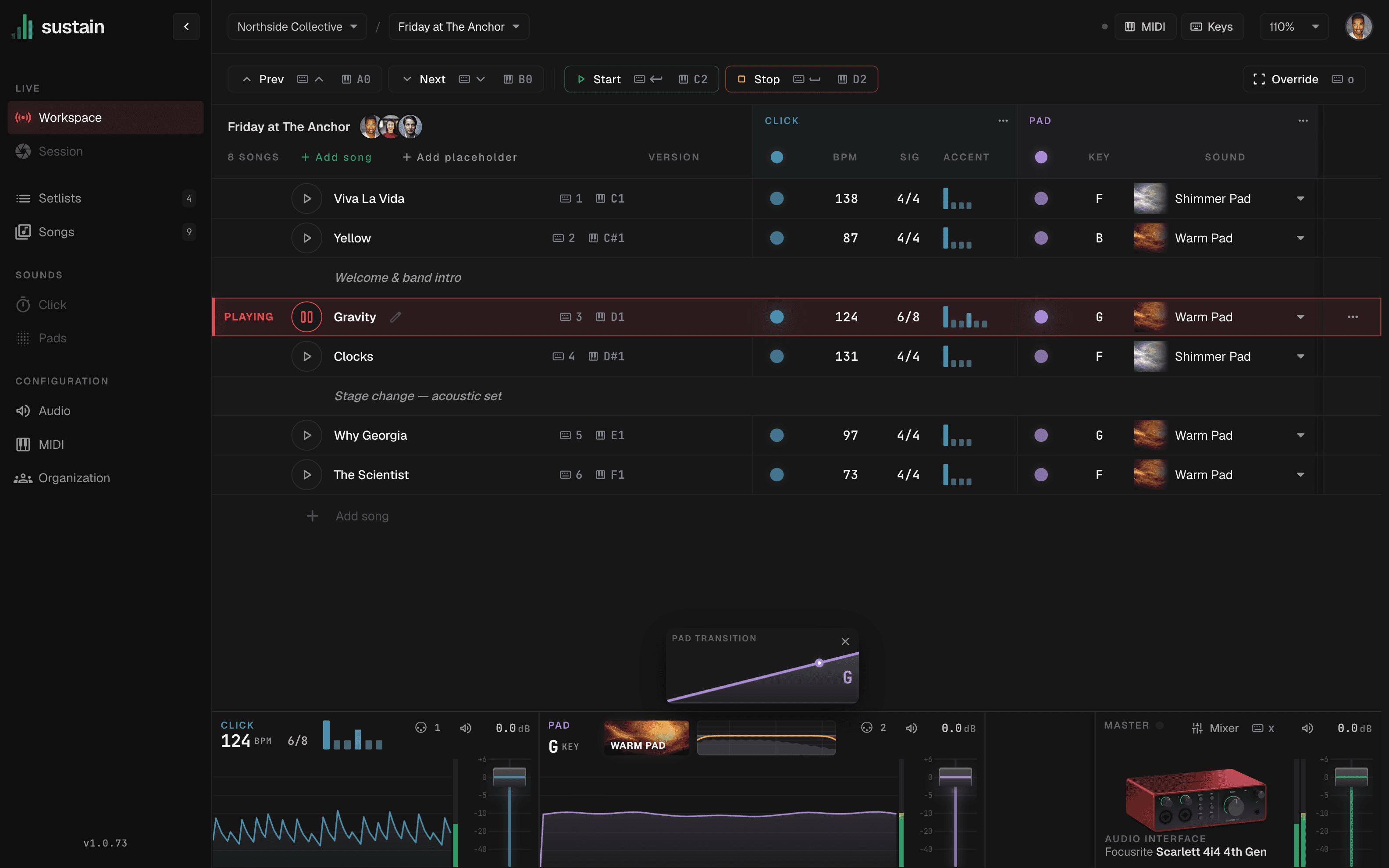
Precise and customizable click.
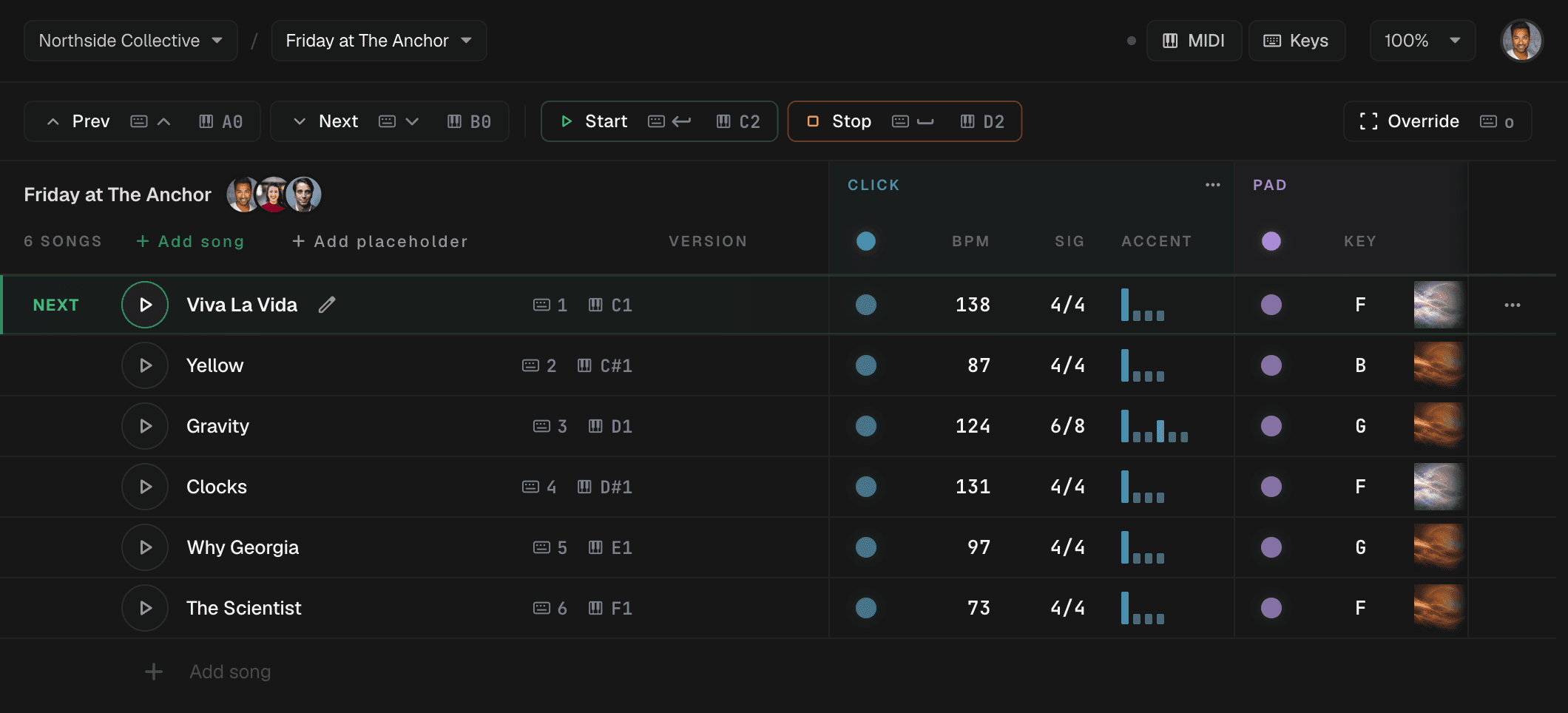
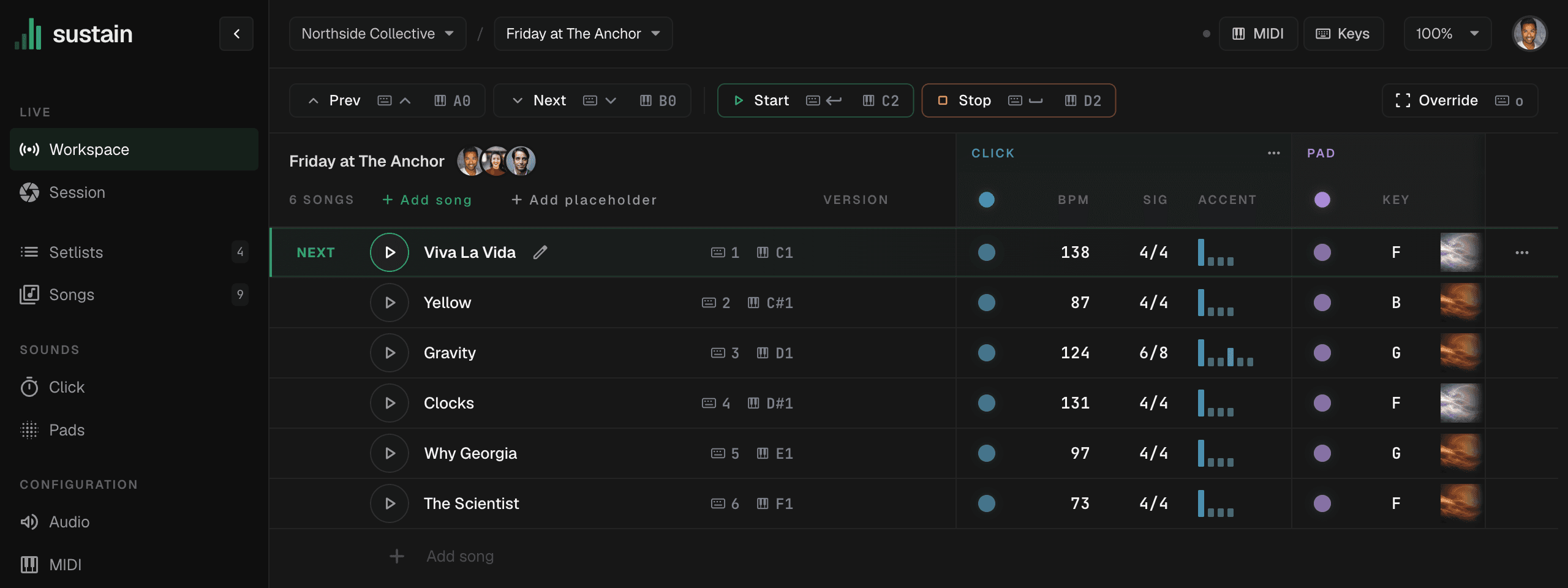
Tap a beat to accent it. Every song in the set keeps its own pattern, in quarters or eighths.
Change key without a gap.
Every song carries its key, and the pad crossfades into the next one as the set moves — no silence, no two chords stacking up.
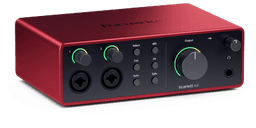
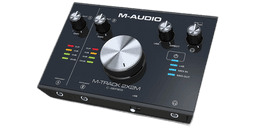
Fast and flexible audio routing.
Click to the in-ears, pads to front of house — on whatever interface is on the desk tonight.
Audio Interface
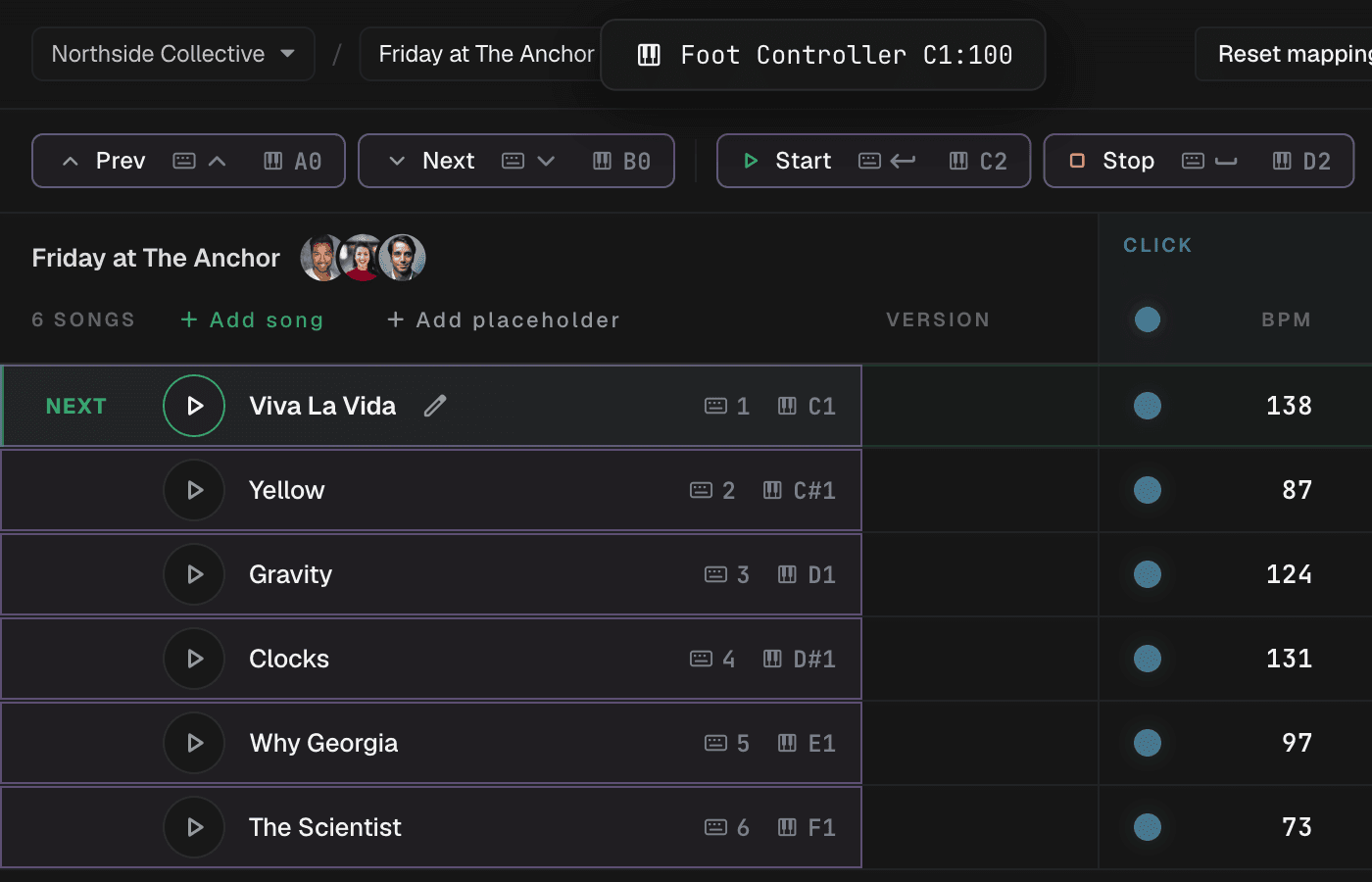
MIDI and keyboard triggers for every control.
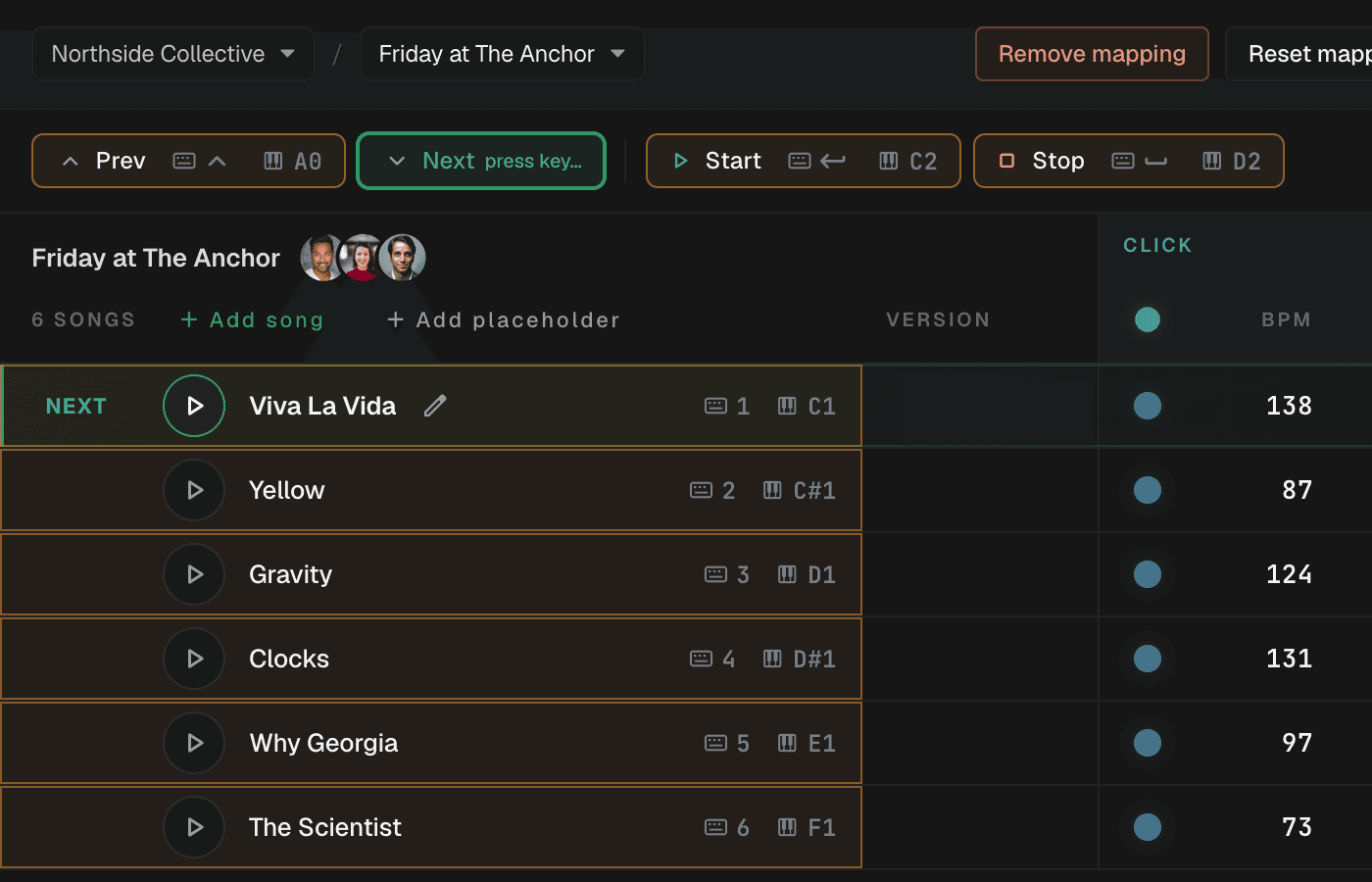
Map a footswitch, a MIDI controller or any key to start, stop, next song or a pad key. Click the control, press the key — done.
Create a setlist in seconds.
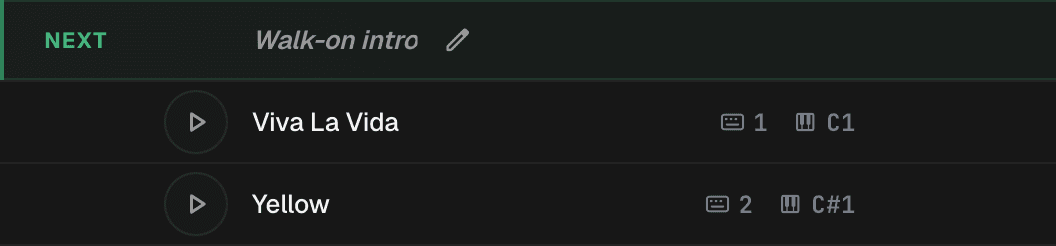
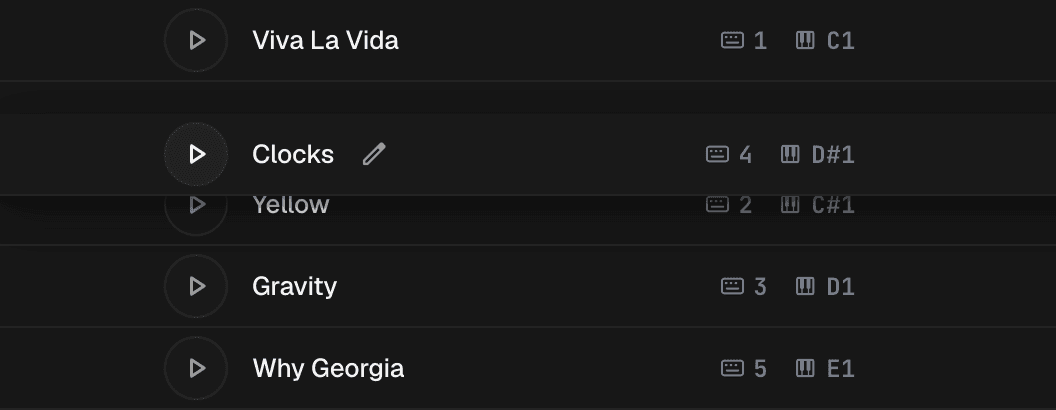
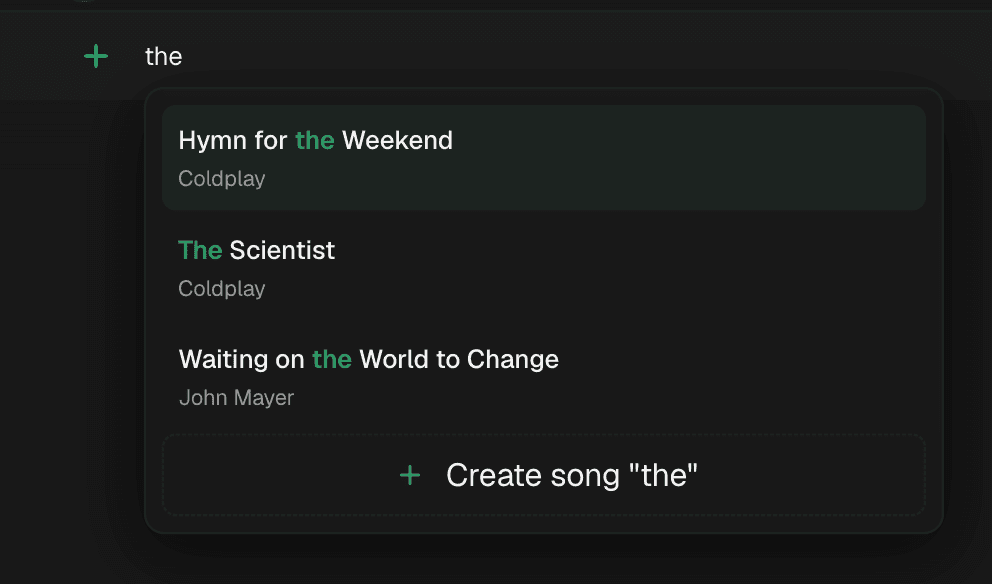
Type a few letters to add a song from your library, drop in a placeholder for the walk-on or a speech, and drag rows into order.
Collaborate with your team.
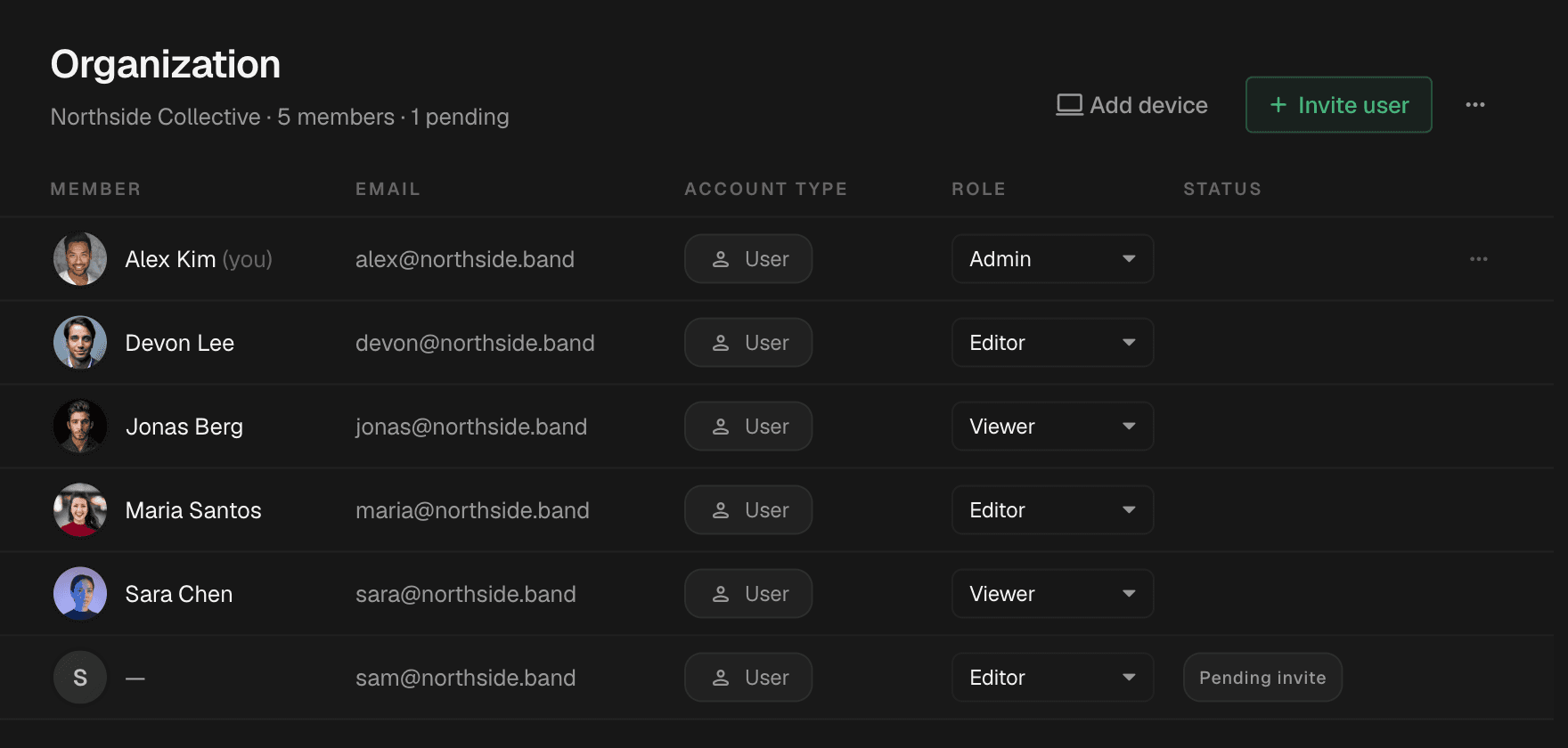
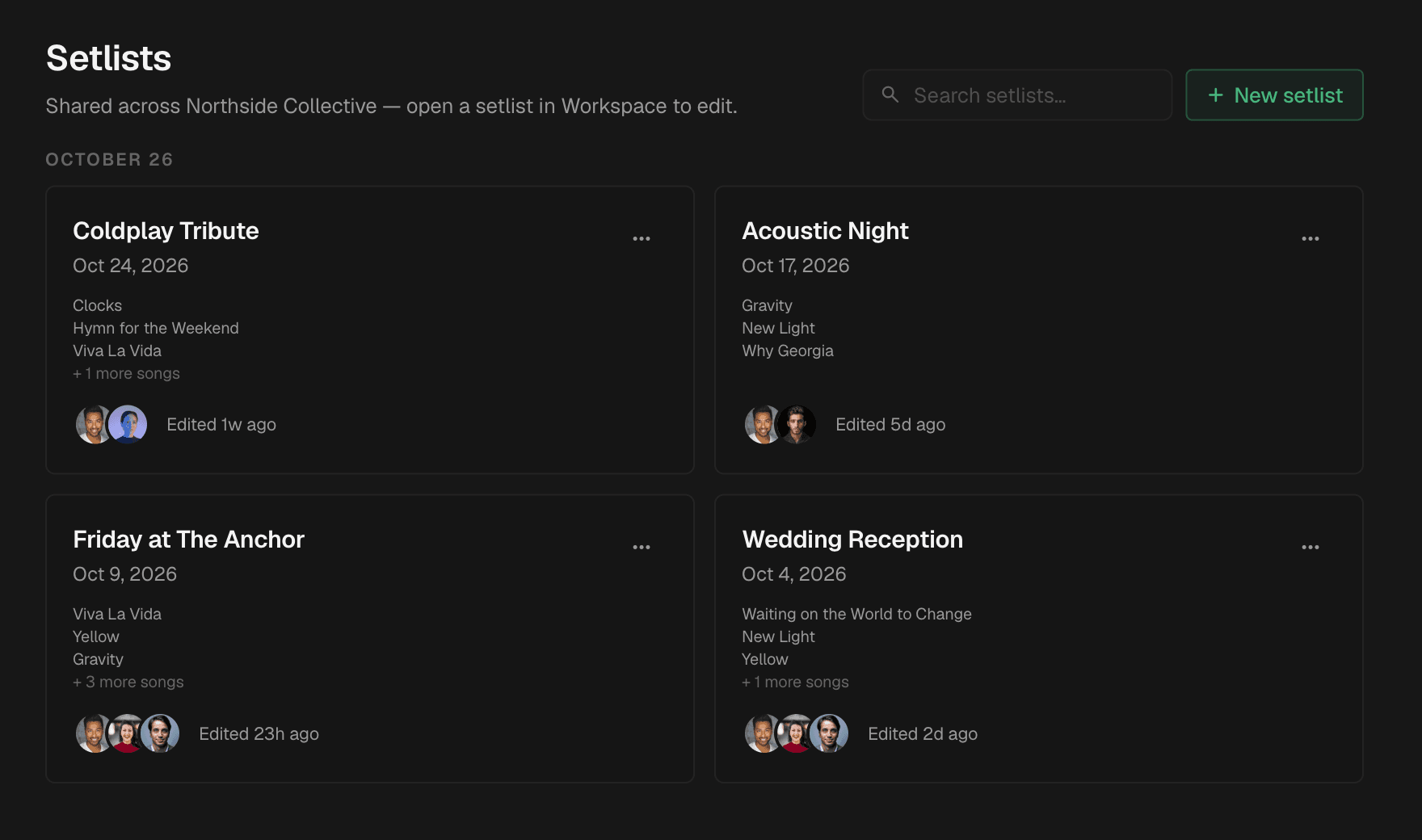
Invite the band into one workspace. Every edit syncs to the cloud and shows up on everyone's laptop within seconds — no files, no version names.
Offline first. Synced when you're back.
Your setlists, pads and edits live on the laptop, so the show goes on when the venue wifi doesn't. Reconnect and every change merges on its own.
 No connection — still playing
Comparison
Best guess as of August 2026 — competitor features change, tell us if we have something wrong.
Pay for the band, not the seat.
Free for the rest of 2026
No trial, no card, no catch — every feature is open through the end of the year. After that, subscription plans arrive for individuals, bands and teams, priced so that moving from any tool in the table above still costs you less than staying put.
Individual
One musician, every gig.
Band
Up to 5 members sharing a workspace.
Team
Up to 20 members, one shared set.